 Renewal Tracker
Stored with your account
Items live on Renewal Tracker's own servers (hosted by Hostinger), linked to your account. That's what lets the same list appear on any computer you sign in on.
Renewal Tracker keeps your subscriptions, renewals and recurring bills in one calm list, and reminds you before each one is due. Nothing renews, expires or charges you by surprise.
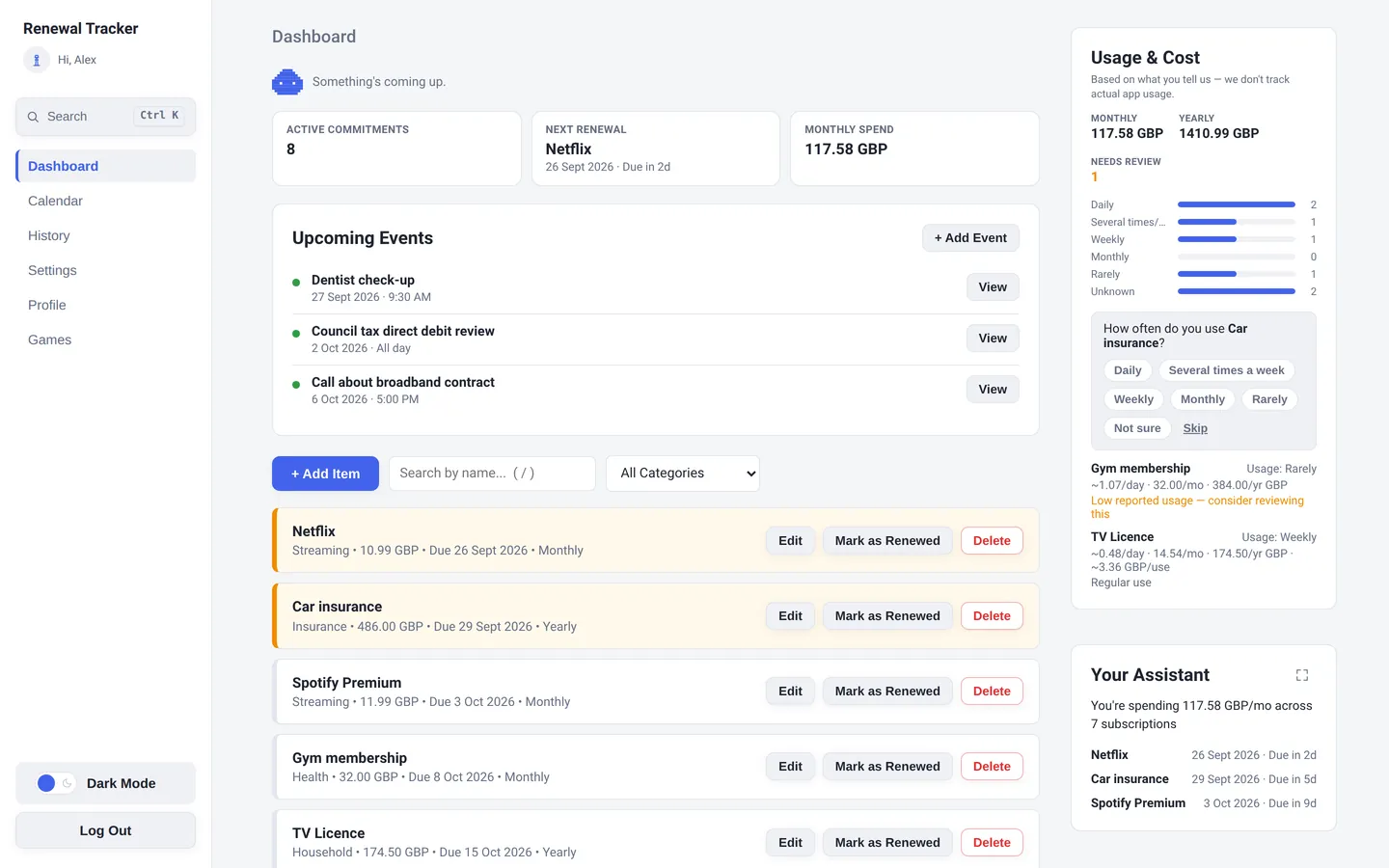
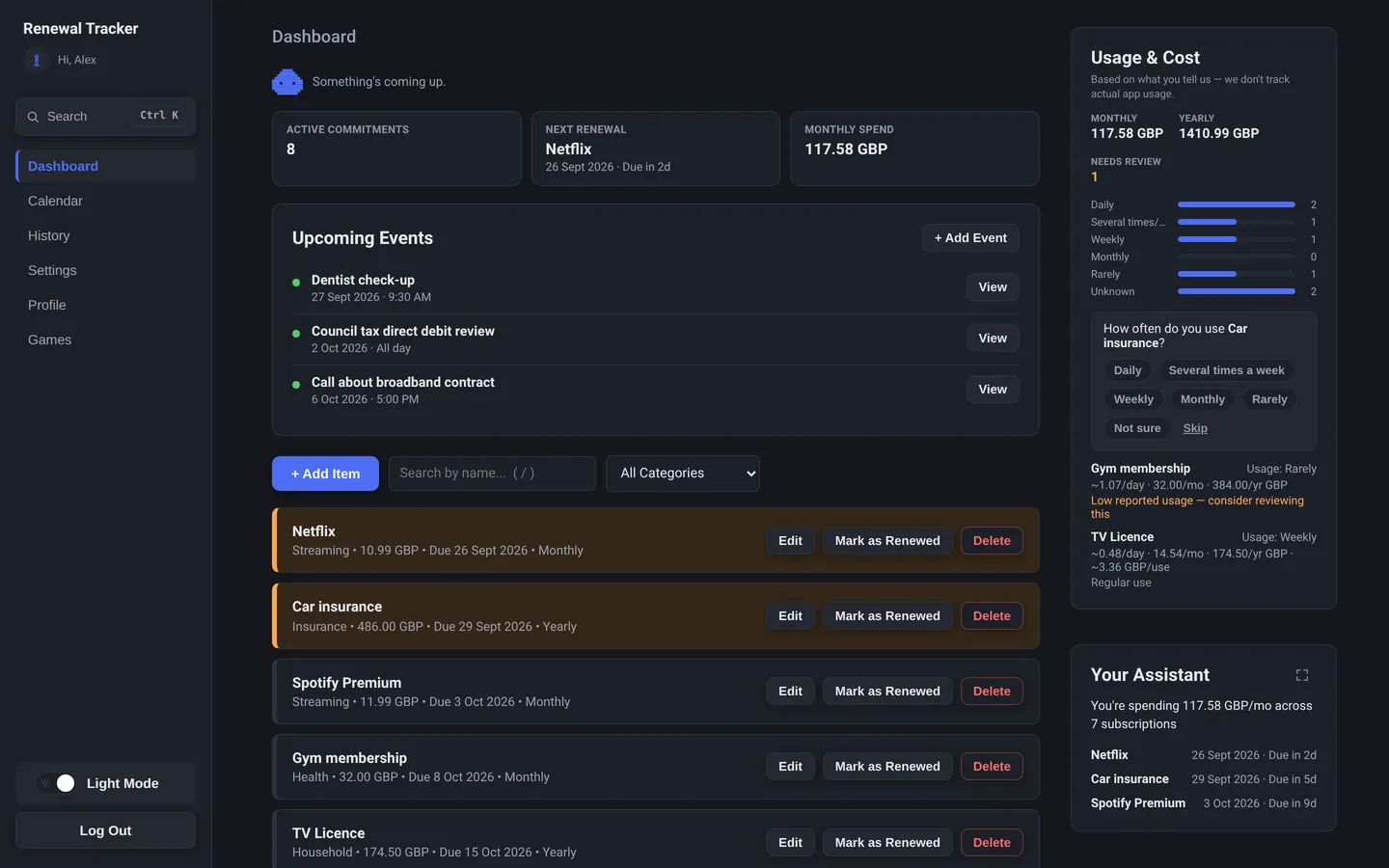
Keeps an eye on
Renewal Tracker is a lightweight desktop application for tracking subscriptions, recurring commitments, renewal dates, reminders and their costs. You add each thing once, with its date, price and how often it repeats. The app sorts everything by what's due next, tells you before each one comes round, and shows what it all adds up to each month.
It's deliberately simple: no bank connection, no inbox scanning, nothing to set up beyond the items you choose to add.
Three steps, then you can stop keeping it all in your head.
Name, date, amount and how often it repeats: weekly, monthly, yearly, a custom number of days, or just once. Group things into categories if you like.
A desktop notification while the app is open or in the tray, and one daily email at 8am your time, so you're covered even when the computer is off.
Mark it renewed and the next date is set for you, or mark a one-off as done. Everything goes into your History so you can see what happened and when.
These are real screenshots of Renewal Tracker, not mock-ups. Choose a part of the app to take a look.
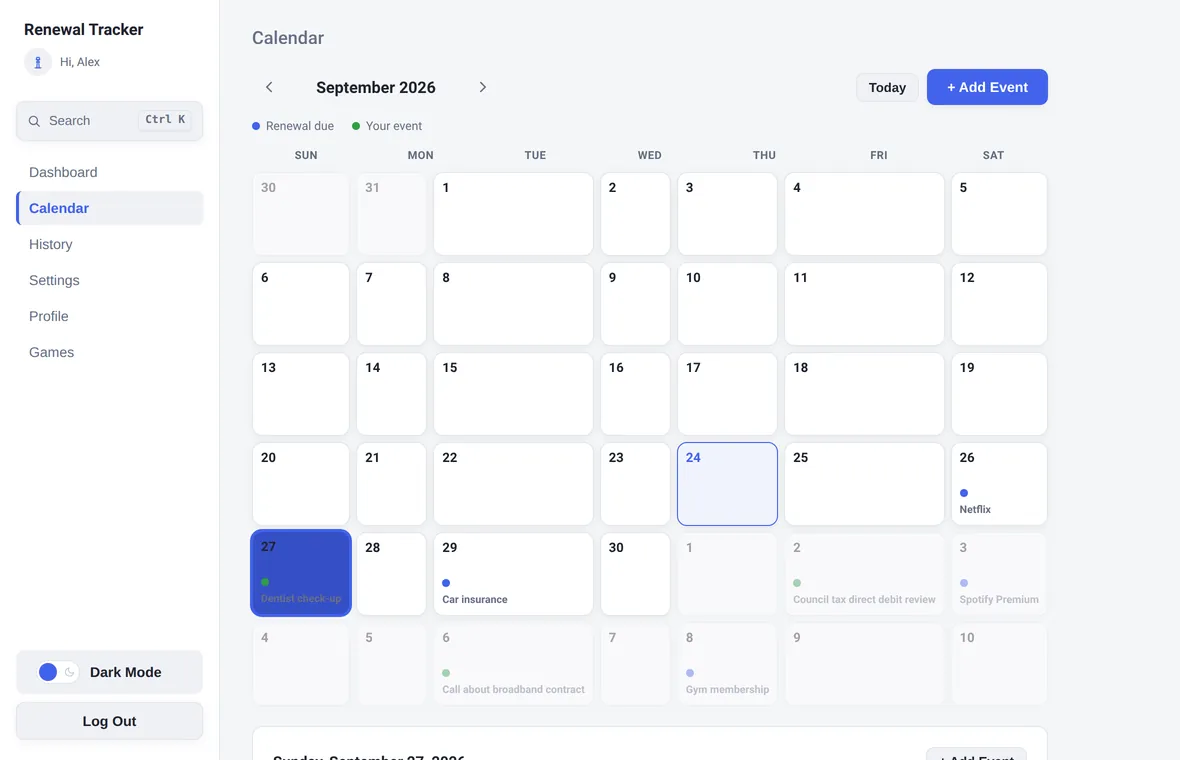
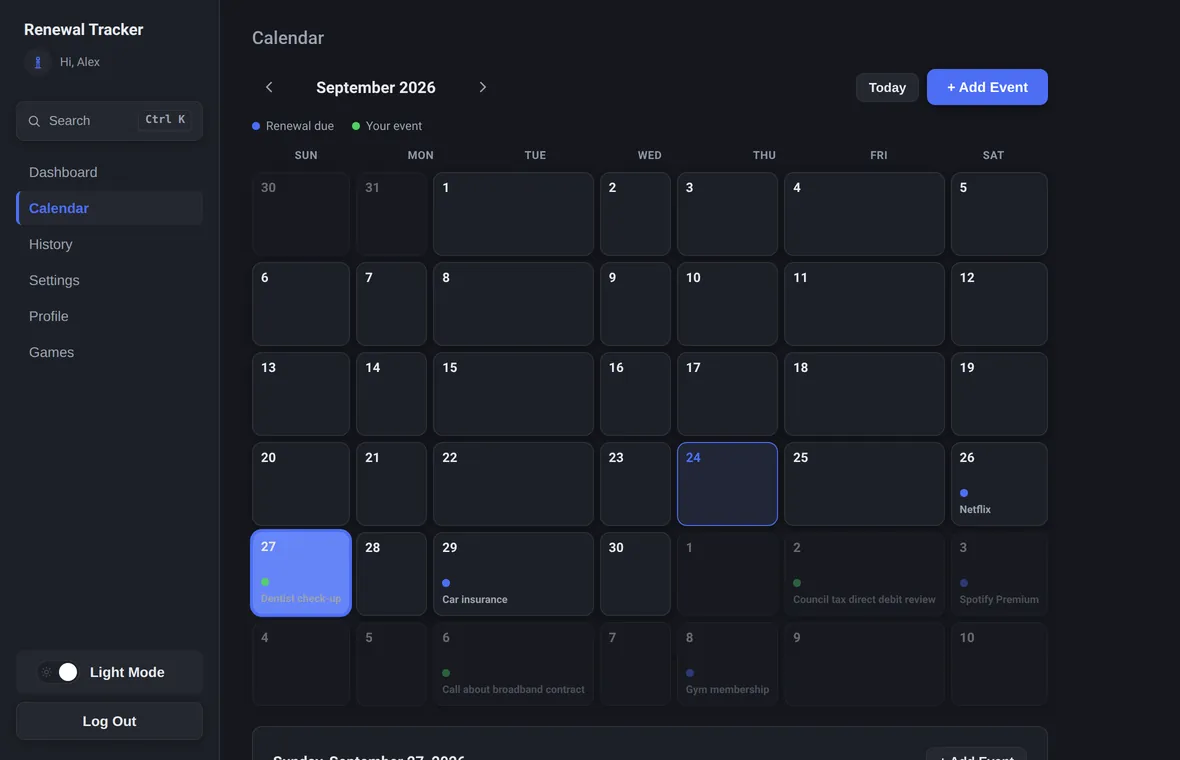
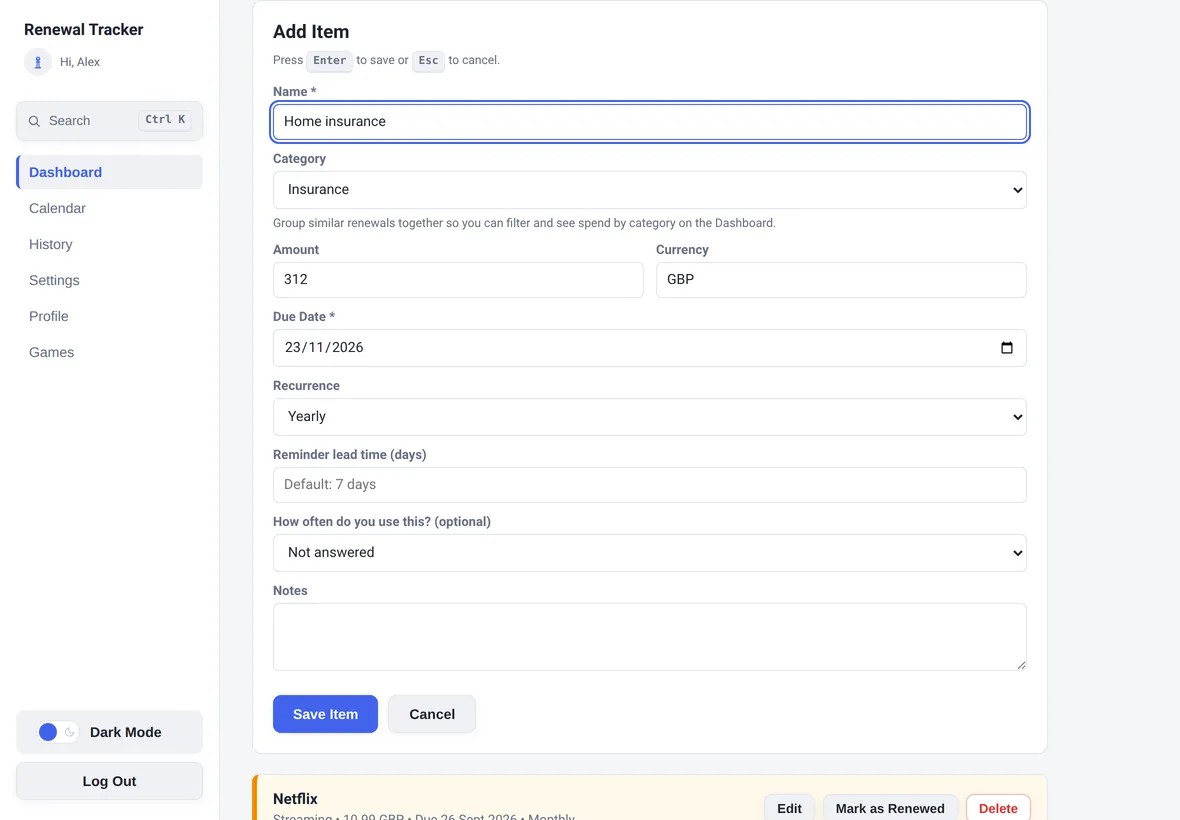
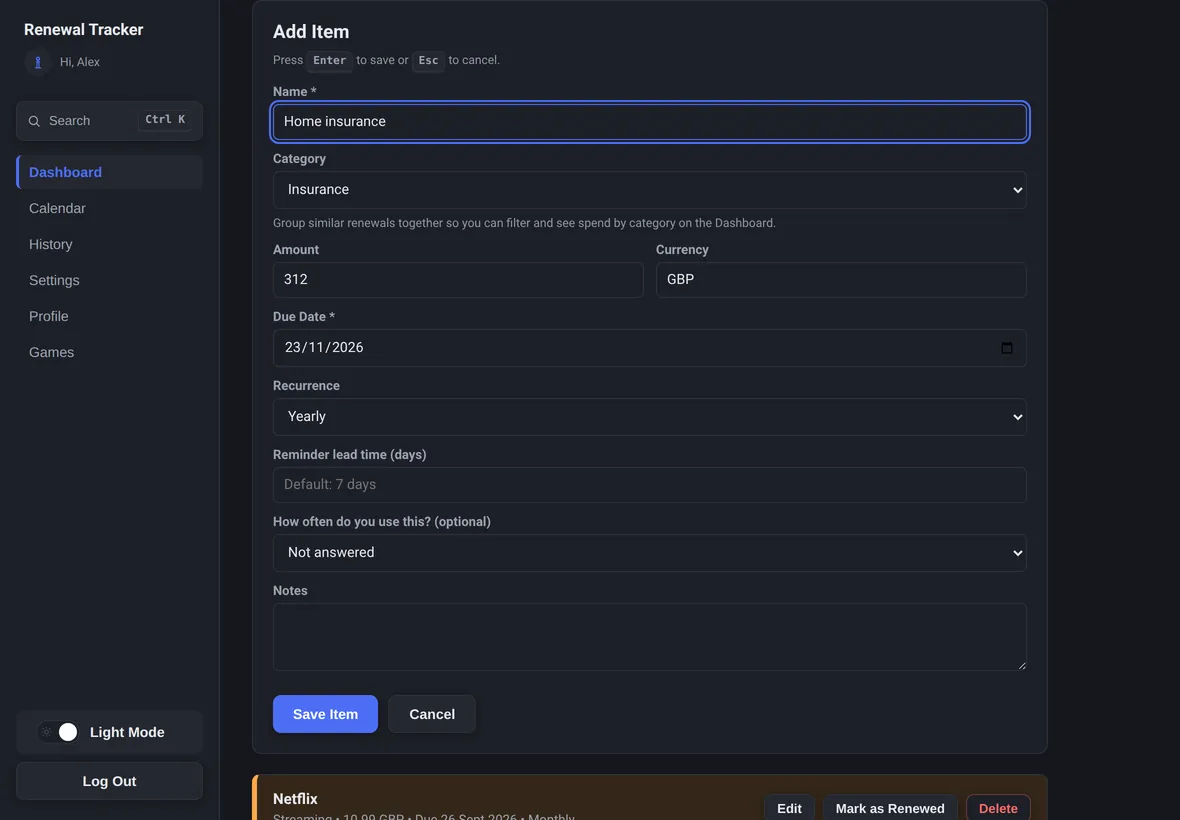
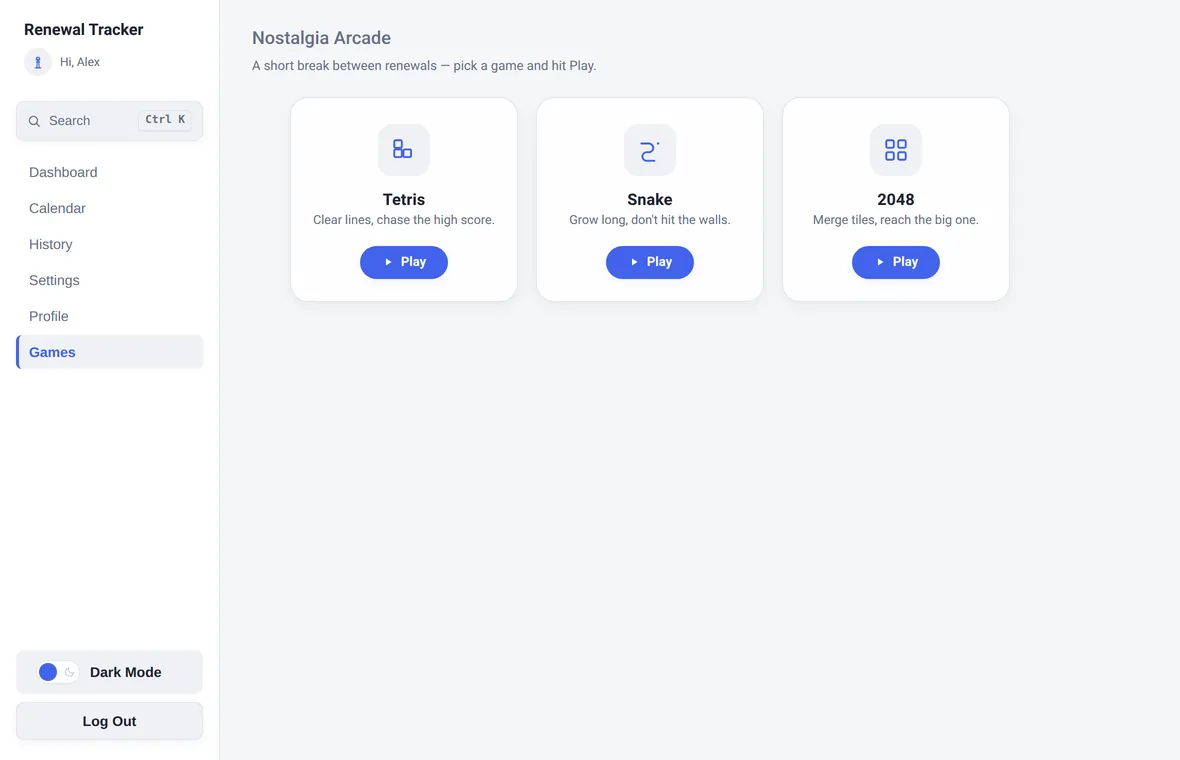
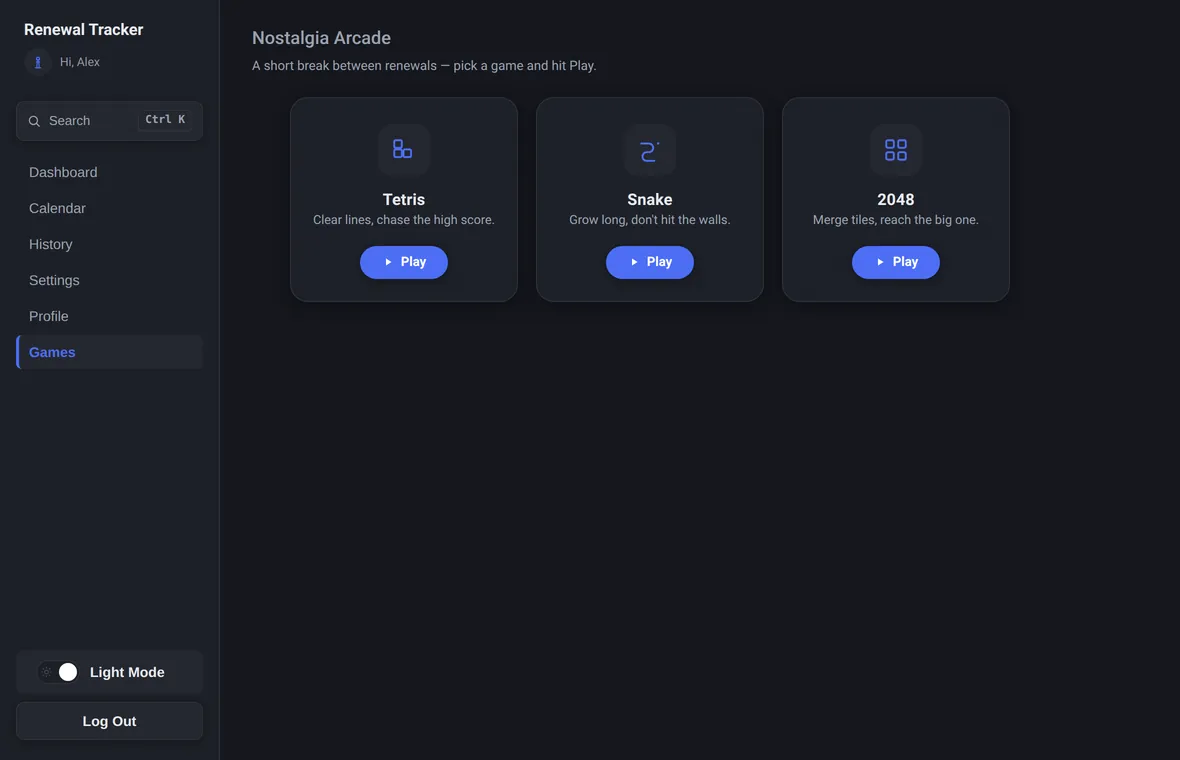
Every part of Renewal Tracker can be reached from the keyboard, with a visible focus outline wherever you are. A command palette finds any item, event or section as you type.
New in version 1.4. On a Mac, use Cmd instead of Ctrl.
Your list is stored with your account so reminder emails can reach you even when your computer is off. Here's exactly what that means.
Items live on Renewal Tracker's own servers (hosted by Hostinger), linked to your account. That's what lets the same list appear on any computer you sign in on.
Every connection uses HTTPS. Passwords are hashed with bcrypt, never stored readably. Changing your password signs out every other device.
No ads, no data selling, and no tracking scripts on this site. You can delete your account and everything in it at any time, confirmed with a one-time code.
On Windows, Renewal Tracker checks for new versions in the background, downloads them quietly, and installs them the next time you quit or restart the app. No reinstalling, no nagging.
On Mac, you install new versions from the download page for now. Automatic Mac updates need Apple code signing, which may come later.
Anyone who pays for several subscriptions or has renewals with real deadlines, like car insurance, an MOT, a TV Licence, a passport or a visa, and wants one calm place to see what's coming up and what it all costs.
Each item has a reminder lead time (7 days by default, adjustable per item). While the app is open or minimised to the system tray, it shows a desktop notification when an item becomes due soon or overdue. A daily summary email also goes out at 8am in your own time zone for anything due soon or overdue, even when the app is closed.
It needs an internet connection to sign in and to load or save items, because your list is stored with your account rather than only on one computer. If the connection drops, the app says so, keeps showing what it last loaded, and refreshes by itself when you're back online.
Your items are stored with your account on Renewal Tracker's servers, hosted by Hostinger, and are only used to show you your own list and send your own reminders. Passwords are hashed with bcrypt, all traffic uses HTTPS, and you can delete your account and all its data at any time. The Privacy Policy has the full detail.
On Windows the app downloads new versions in the background and installs them the next time you quit or restart it, so you never need to reinstall. On Mac, you install new versions from the download page, because automatic installs on macOS need Apple code signing.
Windows 10 and 11 (64-bit), and macOS 11 or later on both Apple Silicon and Intel Macs. Because you sign in to an account, the same list appears on any computer you use.
Yes. It's free to download and free for up to 5 tracked items, with every reminder feature included. If you'd like to track more, lifetime access is a single $20 payment, not a subscription. Details are on the pricing page.
Download it, add a few things, and let it keep watch.